JK-BMS RS485 Add-on
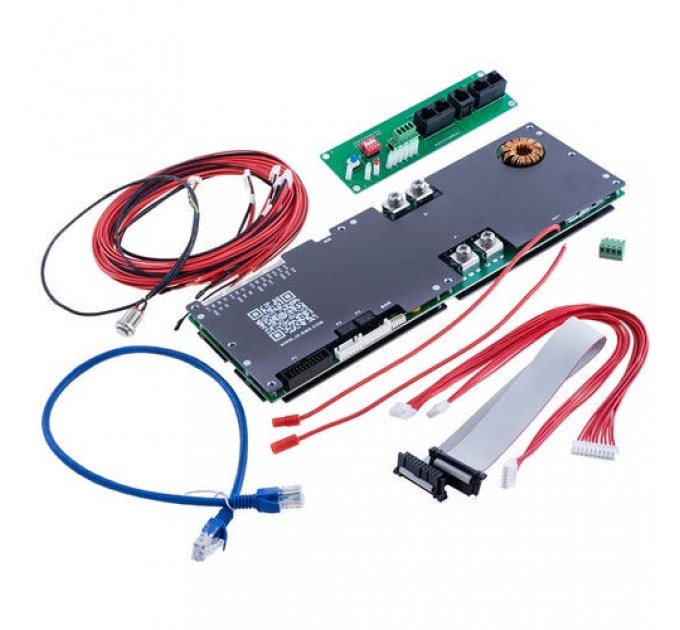
The SmartPhoton project with the largest user community. Find JK-BMS RS485 Add-on for Home Assistant, its MQTT data and dashboards.
Explore JK-BMS & Multi-Pack ↗Monitor cells, temperatures, alarms and batteries in Home Assistant. JK-BMS RS485 Add-on publishes your data through MQTT for dashboards and automations.
 Inverters & energy
Discover the latest @domosimple demonstrations: real-hardware tests, Home Assistant modules and SmartPhoton developments.
The YouTube player loads after your click. The video retains its original language; subtitles are available on YouTube.
Inverter, battery or energy monitoring: find the project and resources that match your installation.
The SmartPhoton project with the largest user community. Find JK-BMS RS485 Add-on for Home Assistant, its MQTT data and dashboards.
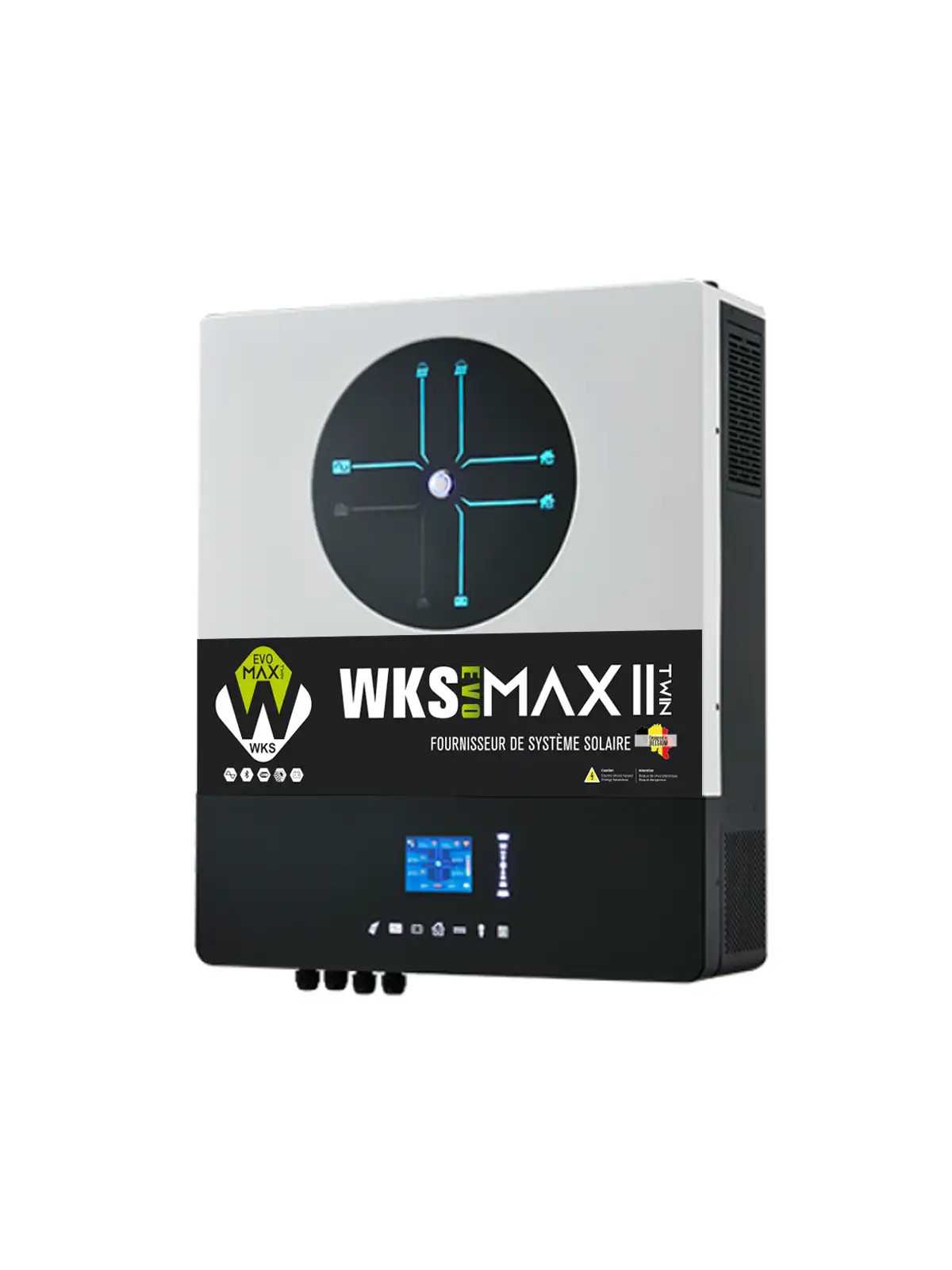
Explore JK-BMS & Multi-Pack ↗Monitor and control your inverters in Home Assistant: solar production, consumption, battery and supported settings. The documentation guides you from connection to automation.
Discover Smart Voltronic ↗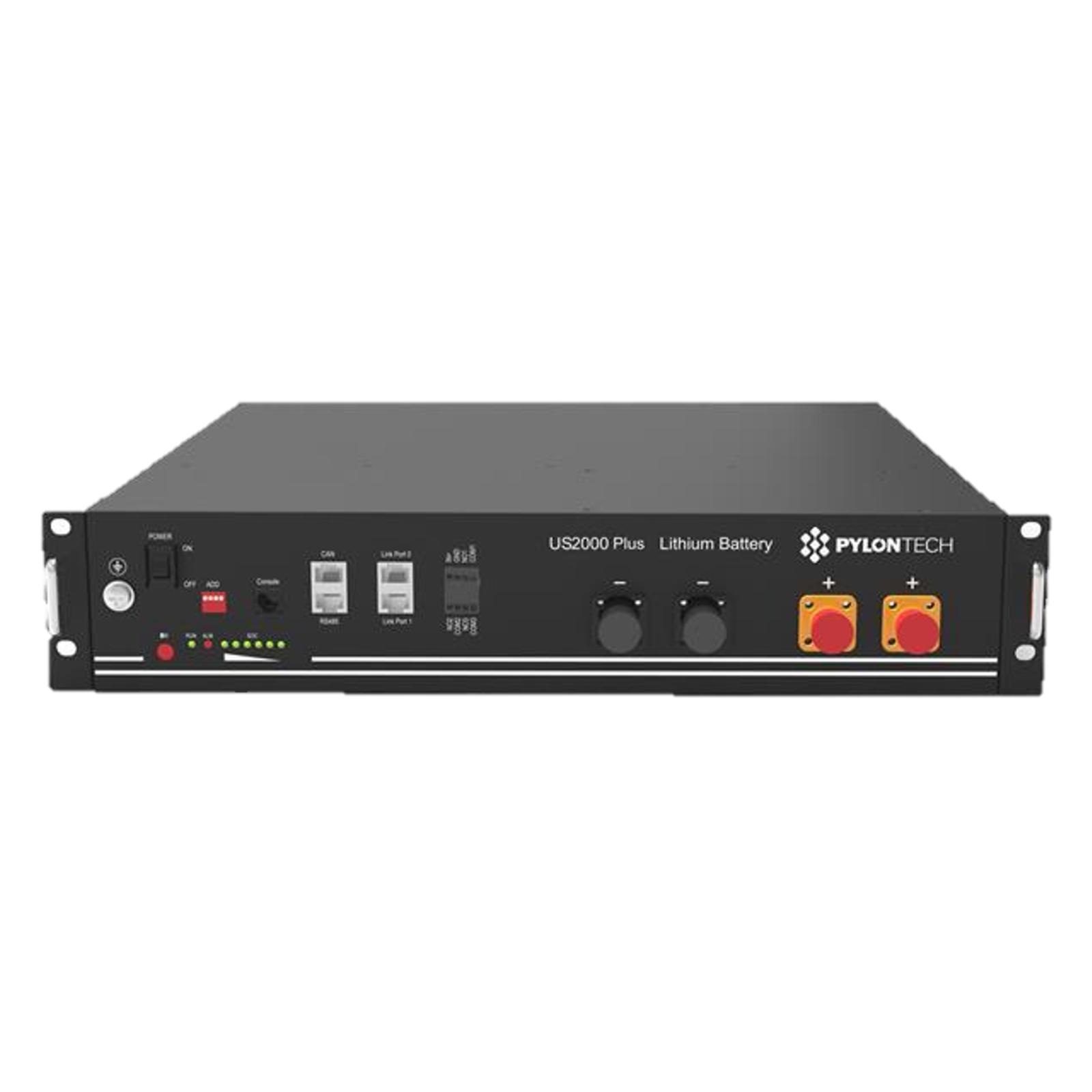
A dedicated integration brings Pylontech battery monitoring into your Home Assistant environment.
Discover Pylontech / Pelio ↗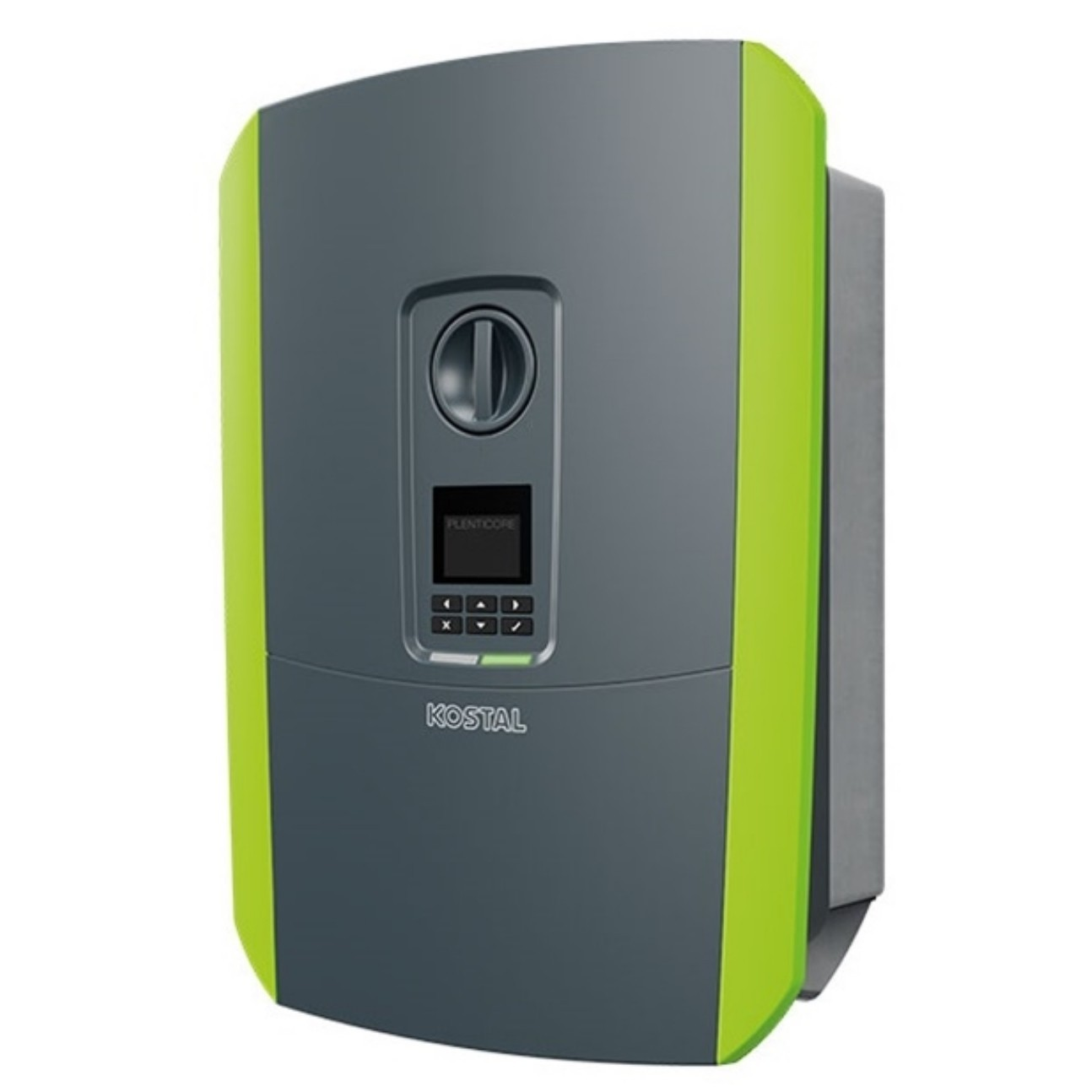
Monitor a KOSTAL + BYD installation through an ESP32 proxy and SmartPhoton Remote Bridge.
KOSTAL + BYD & ESP32 proxy →Understand electricity costs, the value of solar production and the contribution of your batteries in Home Assistant.
Explore the module →Connect remote devices to Home Assistant: data, commands and automatic entity creation through a cloud MQTT broker and a TLS connection.
Explore the synchroniser →Premium, Multi-Pack, SCADA and remote access: different views of your installation, illustrated by SmartPhoton interfaces.
Solar, home, battery and grid together in an illustrated energy overview.
Click the image to enlargeFleet overview, site status, estimated runtime and access to diagnostics, followed by individual pack details.
Click the image to enlargeBattery process view, communications, alarms, trends, logs and service views.
Click the image to enlargeSmartPhoton Remote Bridge displays a KOSTAL G3 / BYD HVS installation through the ESP32 proxy. The view shown is read-only.
Click the image to enlargeScreenshots supplied on 28 October 2026. They illustrate the interfaces; the displayed data is not a live demonstration. Availability depends on the module and version.
All data exposed by SmartPhoton modules is accessible to other applications through MQTT. Use it in your own interfaces, histories or automations with a compatible application.
Upcoming features and tests are described in the roadmap.
View testing on GitHub →Developed and shared by Jean-Luc Martinelli, from early inverter tools to JK-BMS and Home Assistant.
The story and the author →Explore SmartPhoton interfaces and developments in action.
Open the media library →SmartPhoton also means years of discussions, experiments and tutorials. Join the community where it already shares its experience.
Join the forum ↗